
XStation PS1 ODE
Original PS1 optical drives fail after decades of use, leaving your console unable to read discs and rendering your game library inaccessible. XStation PS1 ODE replaces the aging drive with a modern optical drive emulator that loads disc images from microSD storage, preserving your console while eliminating mechanical wear. Shop the official store now to restore your PlayStation 1 with the latest drive emulation technology.
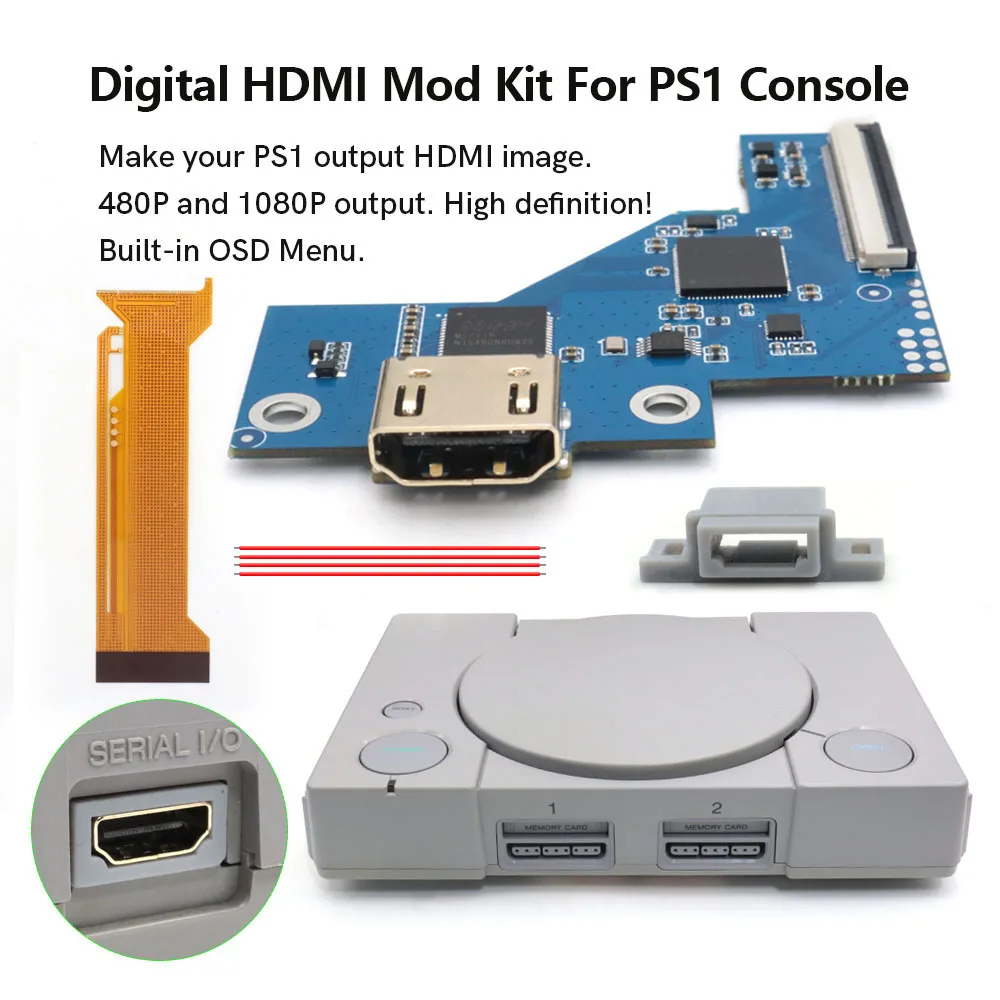
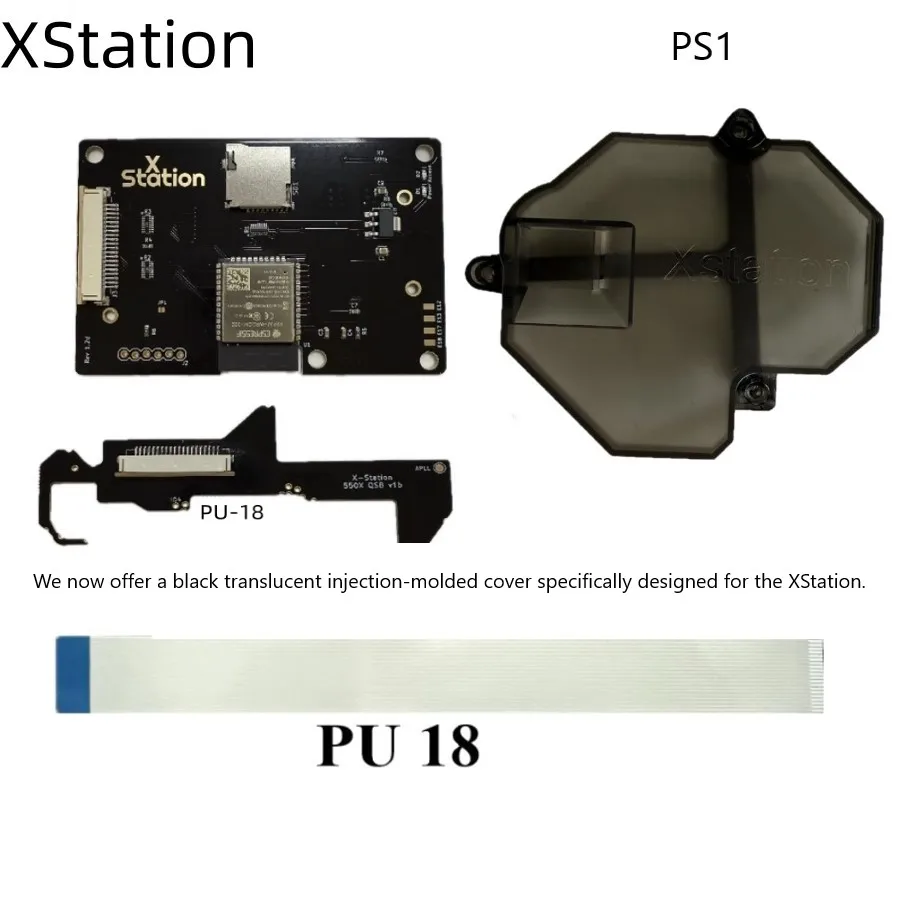
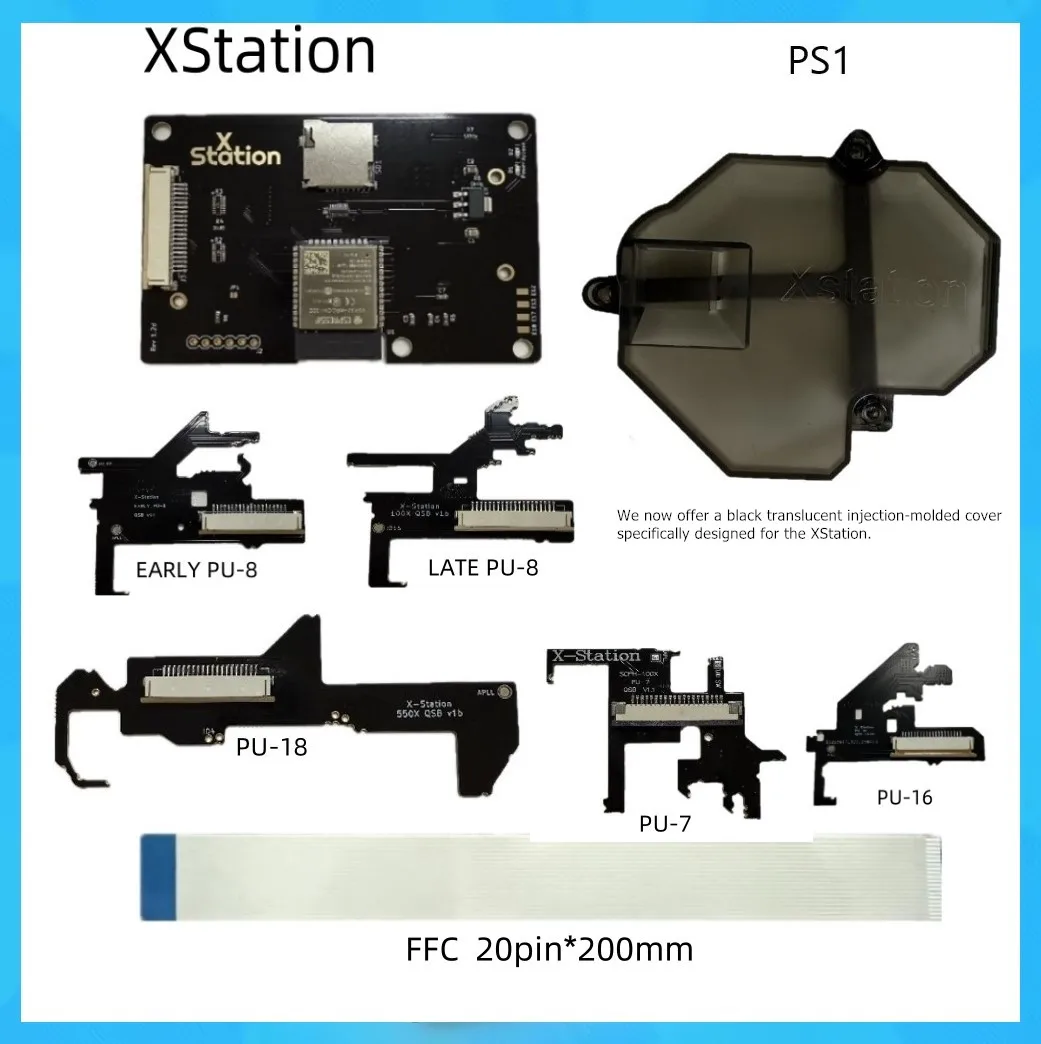
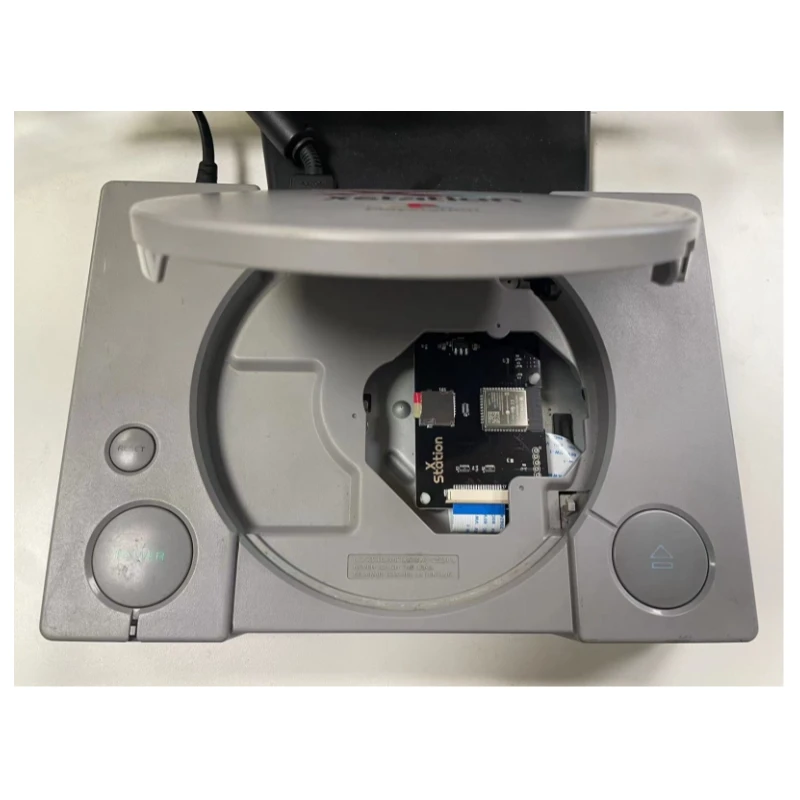
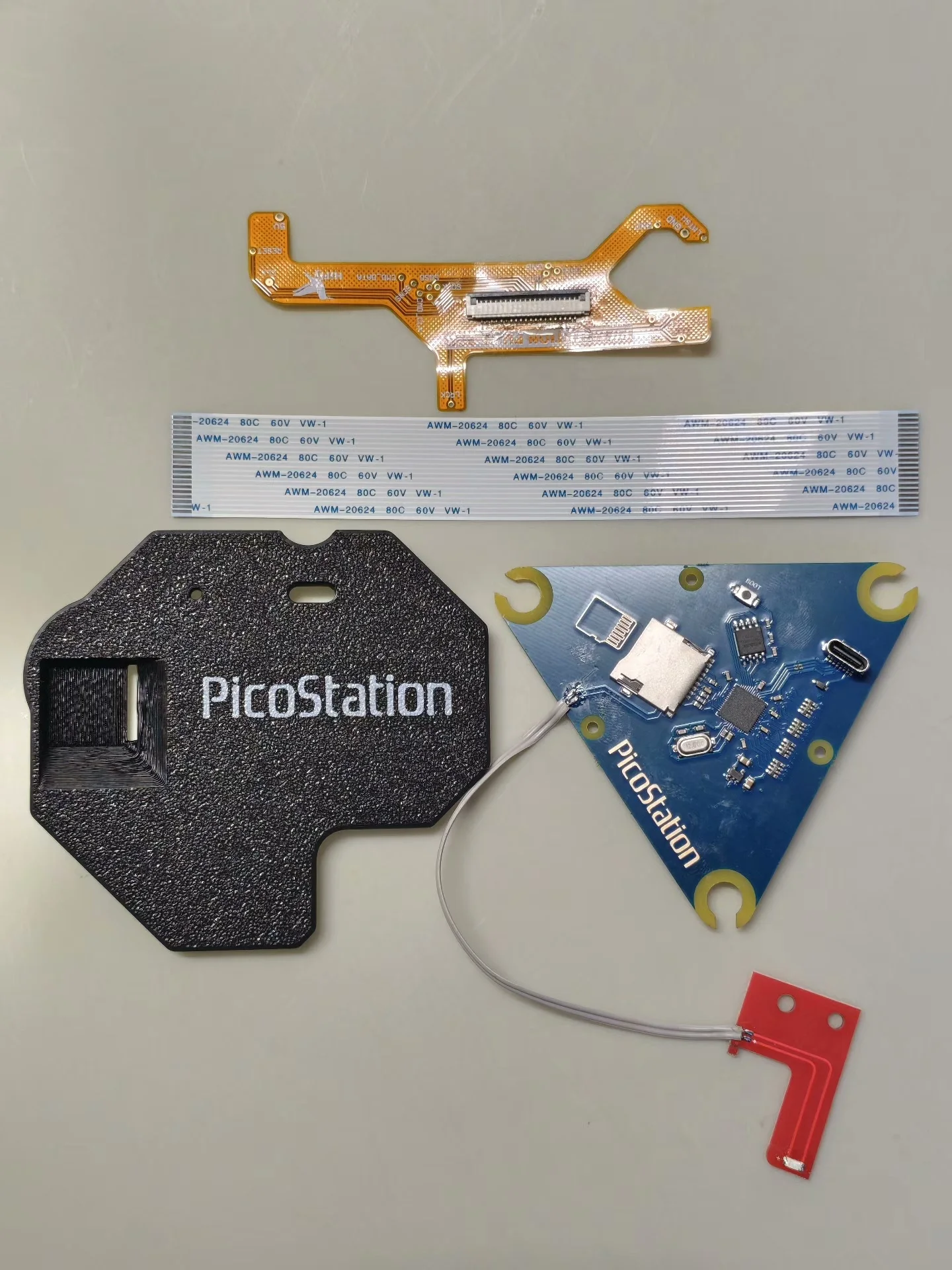
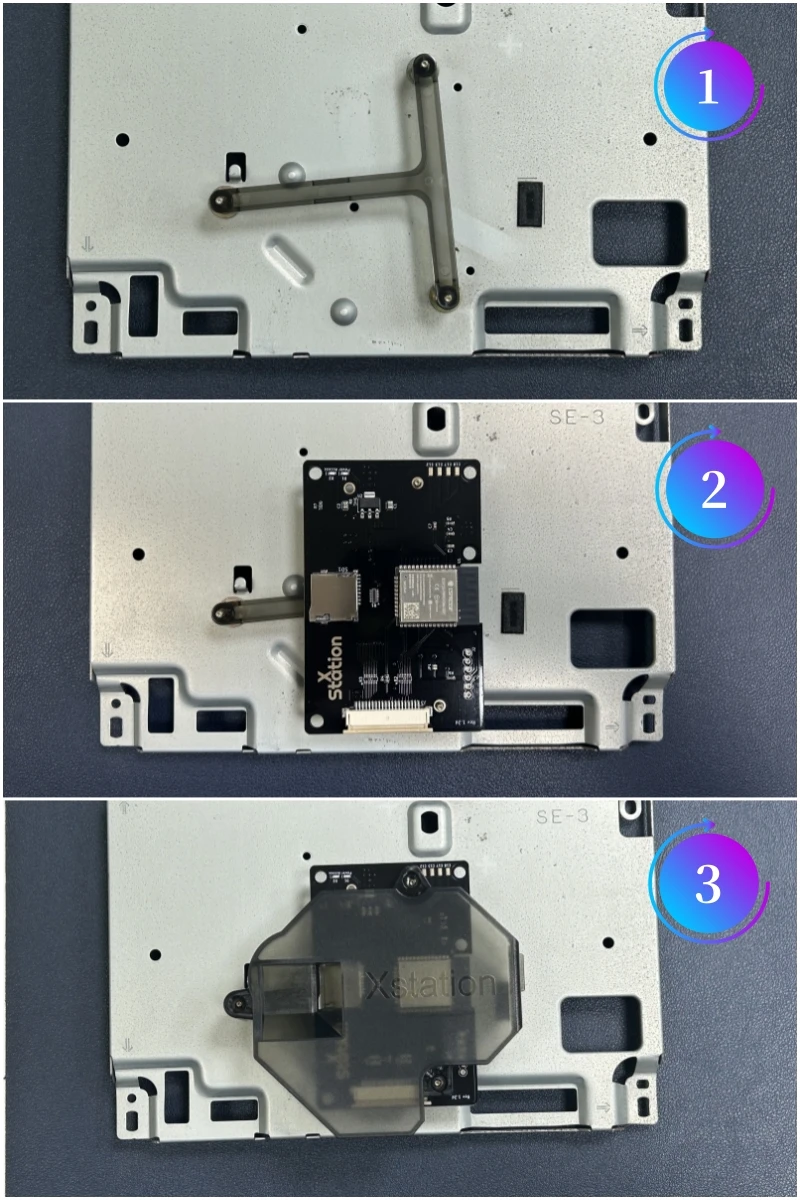
XStation PS1 ODE Replaces Aging Optical Drives
The XStation PS1 ODE is a drop-in replacement board that mounts where your original optical drive sat, accepting microSD cards loaded with disc image files instead of physical media. This optical drive emulator reads common PlayStation disc formats including ISO, CUE/BIN, and CHD, supporting everything from single-disc titles to massive multi-disc RPGs without swapping cards mid-game. Your console connects directly to the ODE through the standard drive interface, requiring no modifications to the motherboard itself. Installation involves removing the aged drive mechanism and securing the ODE board in its place using standard mounting hardware. The emulator board draws minimal power from the existing PSU, ensuring your console’s original power supply handles the load without upgrades. Compatibility spans all PS1 motherboard revisions, from early 1994 models through the slim PTwo units released in 2004. Retro gaming enthusiasts and repair technicians worldwide choose the XStation PS1 ODE because it delivers reliable, mechanical-failure-free gaming for decades to come.
Digital Storage and microSD Compatibility Eliminate Drive Degradation
Loading games from microSD storage means zero mechanical wear on motors, laser diodes, or focus servo systems that doom original drives to failure. A single microSD card holds hundreds of full games in their native disc image format, accessible instantly without loading times between title screens. The ODE firmware supports standard microSD cards up to 256GB capacity, providing storage for every PlayStation release ever manufactured if desired. Game compatibility testing confirms that multi-disc titles load seamlessly without requiring manual intervention or card swapping during normal gameplay. Fast access times to microSD storage prove faster than original drive seek performance in many real-world tests, improving load times in select titles. Your game library becomes truly portable, stored on a device smaller than a postage stamp that plugs into the drive connector. This preservation-focused approach respects the original hardware while future-proofing your collection against inevitable optical media degradation.
Why XStation PS1 ODE Outperforms Drive Replacement or Reproduction Drives
Sourcing working optical drives from the secondhand market now costs 80-150 USD per unit, with no guarantee of lifespan or compatibility across different motherboard variants. Reproduction drives attempt to replicate original mechanisms but introduce new potential failure points and suffer from incomplete game compatibility, particularly with copy-protected titles and multi-disc configurations. The XStation PS1 ODE eliminates these concerns by removing the mechanical component entirely, replacing it with solid-state electronics that carry no moving parts to wear out. Installation requires basic soldering skills for the drive connector and a few screws to secure the mounting bracket, well within reach of any competent hobbyist. Documentation and community support for the XStation platform dwarfs any alternative solution, with detailed guides covering every motherboard revision and troubleshooting scenario. Your original console case and cosmetic appearance remain unchanged, preserving authenticity while gaining modern reliability underneath. This trusted brand solution gives you genuine peace of mind knowing your investment in rare games and original hardware will remain playable for generations.
Installation, Compatibility, and Restoration Best Practices
Before ordering, verify your PS1 motherboard revision using the identifying marks printed on the board itself—the ODE works with all variants, but installation mounting slightly varies by revision number. Your installation will run smoothest if you source a proper flex cable rated for your specific motherboard version, included in most XStation installation kits alongside the ODE board itself. Backup your original disc images using a PC disc drive before loading them onto microSD, or source verified dump files from the community to ensure compatibility and legal standing. After installation, initialize the microSD card using the ODE’s format utility to establish proper partition structure and filesystem configuration. Test with three or four different game titles across genres before declaring success, as this confirms both single and multi-disc functionality. Clean the motherboard around the drive connector area before installation to prevent solder bridges or contact corrosion that could interrupt data transfer. Order online from the official XStation PS1 store today to receive complete hardware, documentation, and post-sale technical support for your restoration project.